Introduction
In today’s fast-paced business environment, decision-makers are often flooded with data but lack the tools to translate it into actionable insights. Reports can take hours to prepare, data may be inconsistent across departments, and managers often rely on outdated figures to make critical decisions. This is where automated dashboards step in — turning raw data into real-time intelligence that drives smarter business management.
What Are Automated Dashboards?
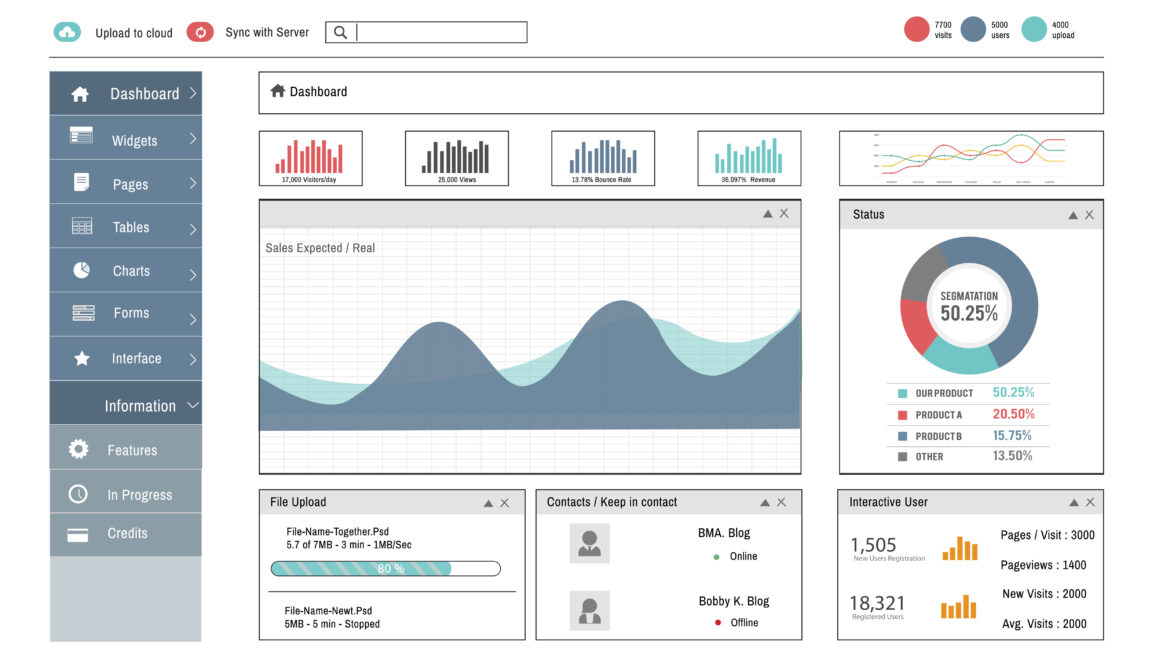
Automated dashboards are data visualization tools that connect directly to business systems (such as ERP, CRM, operations, accounting software, or HR platforms) and automatically update with the latest information. Instead of manually preparing reports, dashboards present KPIs, metrics, and trends in a clear, visual format.
For example, a sales manager could view up-to-the-minute figures on revenue, pipeline opportunities, and customer acquisition costs — all without requesting a manual report from the analytics team.
Benefits of Automated Dashboards in Business Management
1. Real-Time Visibility
Automated dashboards eliminate delays in reporting by pulling live data. Managers always have the latest figures on performance, risks, and opportunities.
2. Improved Decision-Making
By providing a single source of truth, dashboards reduce guesswork and help leaders base decisions on facts, not assumptions.
3. Efficiency and Time Savings
Manual reporting is labor-intensive. Automated dashboards cut reporting time by up to 80%, allowing staff to focus on higher-value activities.
4. Enhanced Collaboration
Shared dashboards align teams by ensuring everyone is working with the same information, fostering accountability and transparency.
5. Customizable Insights
Executives, managers, and field teams can all have tailored dashboards that focus on the metrics most relevant to their roles.
An automated dashboard transforms raw data into actionable insights, providing a real-time pulse for decision-makers to navigate challenges and seize opportunities.
Digital Guide Fluency
How Businesses Can Apply Automated Dashboards
1. Finance & Accounting
Dashboards can track revenue, expenses, cash flow, and budget variances in real-time. CFOs gain visibility into financial health without waiting for monthly reconciliations.
2. Sales & Marketing
Sales teams can monitor leads, conversion rates, and regional performance, while marketing managers track campaign ROI, website analytics, and customer engagement.
3. Operations & Supply Chain
Operations managers can visualize inventory levels, supplier performance, and delivery timelines, helping prevent bottlenecks and stockouts.
4. Human Resources
HR dashboards highlight workforce analytics such as employee turnover, recruitment metrics, and training effectiveness.
5. Executive Management
CEOs and business owners can access high-level dashboards consolidating data across departments, providing a holistic view of organizational performance.
Making It Work for Organizations with Limited Resources
Small and medium businesses (SMBs) may assume dashboards are only for large enterprises, but affordable tools such as Google Data Studio, Power BI, and Tableau Public make automation accessible.
Start Small: Focus on one department or KPI, like sales performance.
Leverage Cloud Solutions: Subscription-based tools reduce upfront costs.
Automate Gradually: Integrate additional systems over time.
Upskill Teams: Basic training enables staff to build and maintain dashboards without heavy IT support.
Conclusion
Automated dashboards are more than flashy visuals — they are strategic tools that empower managers to respond faster, reduce inefficiencies, and align teams. By centralizing and visualizing real-time data, dashboards transform business management from reactive to proactive.
In an age where agility and data-driven decision-making define success, automated dashboards are not just an option — they are an essential step forward for any organization seeking growth and resilience.